
Pointing a domain registered at 1and1 (IONOS) to our name servers
Updated November 13, 2026
If your domain is registered with 1and1.com, now IONOS, you change its name servers at 1and1/IONOS, not with us. This tells the internet to load your website from our servers.
IONOS keeps current steps in its own help: Using Your Own Name Servers for a Domain. Their screens change from time to time, so follow their page for the exact clicks.
What you need to do is the same at any registrar:
- Find our name servers in the welcome email we sent when you bought your hosting. There are two or more, and you must enter every one of them. If you can't find the email, sign in to our client area and choose "Open a ticket", and we'll send them again.
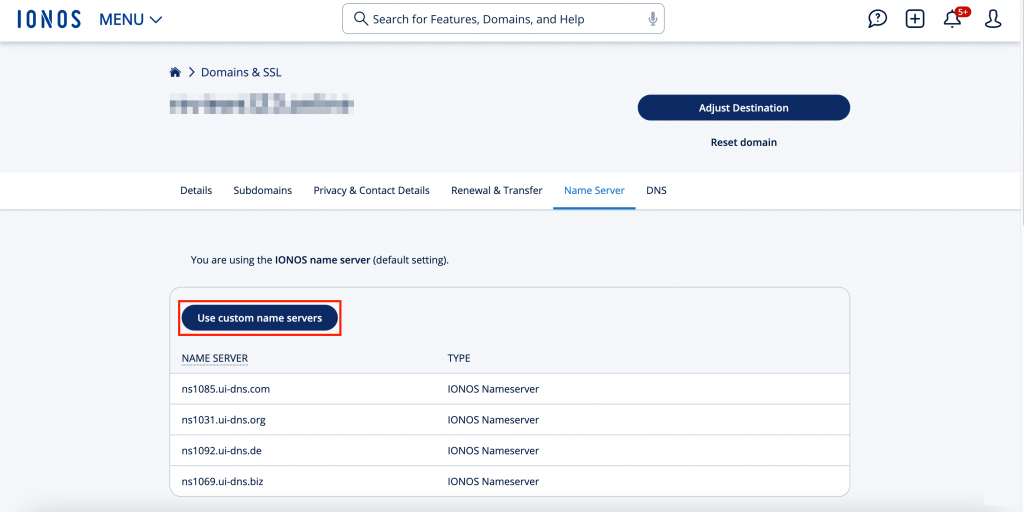
- Sign in to your account at IONOS and open the name server settings for your domain. Follow IONOS's help page above to find them.
Picture: wpmudev.com - Choose the option to use your own (custom) name servers instead of the default ones.
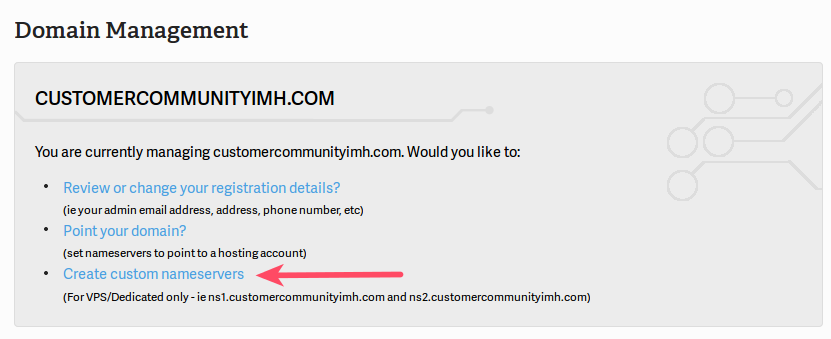
Picture: hostadvice.com - Enter our name servers exactly as they appear in the welcome email, one in each box.
Picture: inmotionhosting.com - Save the change.
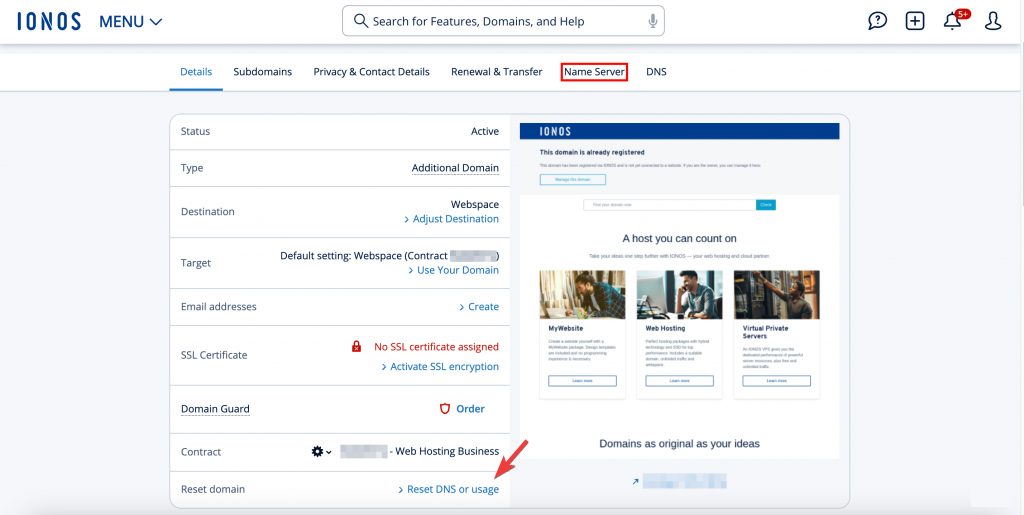
- Open the name server settings for the domain again and check that our name servers are listed.
Picture: hostadvice.com
The change can take up to 48 hours to reach everywhere. During that time your site may load from the old place for some visitors and from our servers for others. This is normal.
If your site still doesn't load from our servers after 48 hours, sign in to our client area and choose "Open a ticket". Tell us your domain name and we'll help.