
Transferring your domain away from GoDaddy
Updated November 13, 2026
Use this article to get a domain ready to leave GoDaddy so it can move to another registrar, including us. The new registrar starts the transfer on its own site, but a few things must be done at GoDaddy first.
GoDaddy keeps current steps in its own help: Transfer my domain away from GoDaddy. Its screens change often, so follow that page for where to click. It also lists any extra preparation GoDaddy asks for.
The steps below are the ones that apply whichever registrar you are leaving.
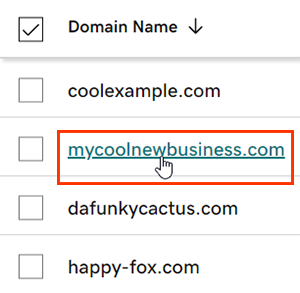
- Sign in to your GoDaddy account and find the domain you want to move.
Picture: godaddy.com - Unlock the domain. A locked domain can't be transferred out. Once the lock is off, the domain can move to another registrar.
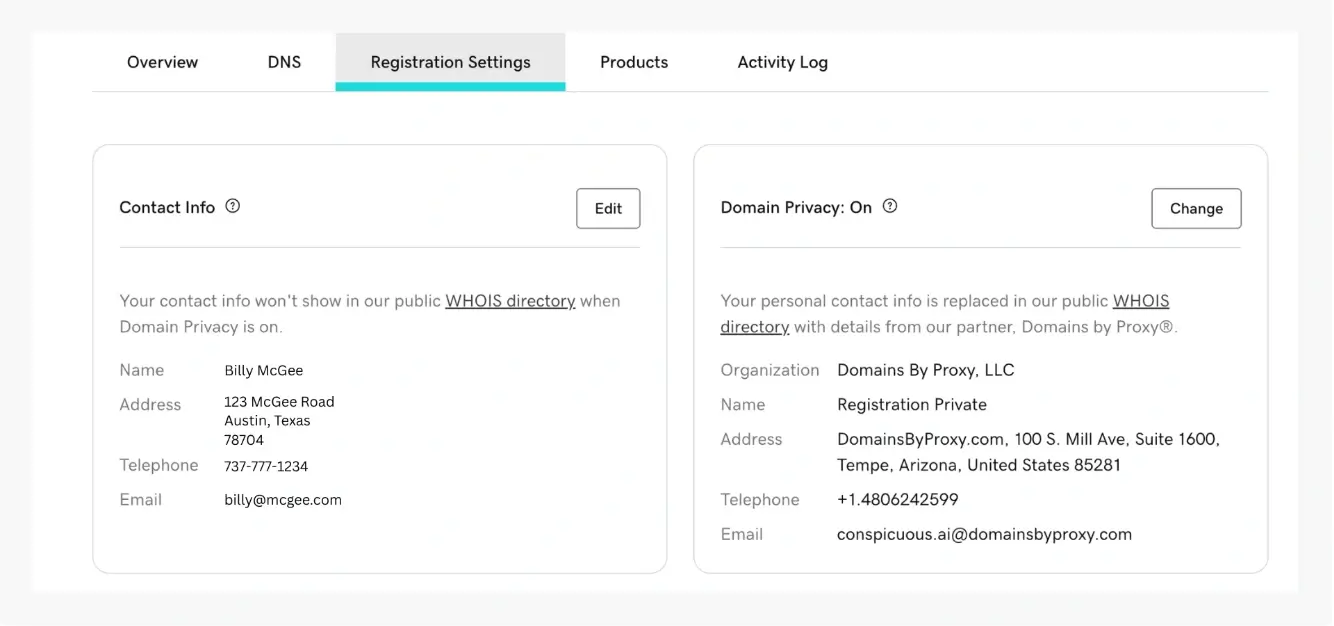
Picture: godaddy.com - Check that the contact details on the domain are correct and up to date. Check them both in your GoDaddy account and in the public Whois record.
Picture: snagged.com - Get the domain's authorization code. It is also called the EPP code or auth code, and some registrars use another name for it. It is often sent to you by email. The new registrar needs this code to start the transfer.
- Sign out of GoDaddy.
You are now ready to start the transfer. Give the authorization code to the new registrar when it asks for it.
To have us handle the transfer, sign in to our client area, open Support, and choose "Open a ticket". Give the ticket a subject, tell us the domain name, and choose Continue. Write your message and choose "Send to support". Don't paste the authorization code anywhere except the new registrar's transfer form, unless we ask for it in the ticket.